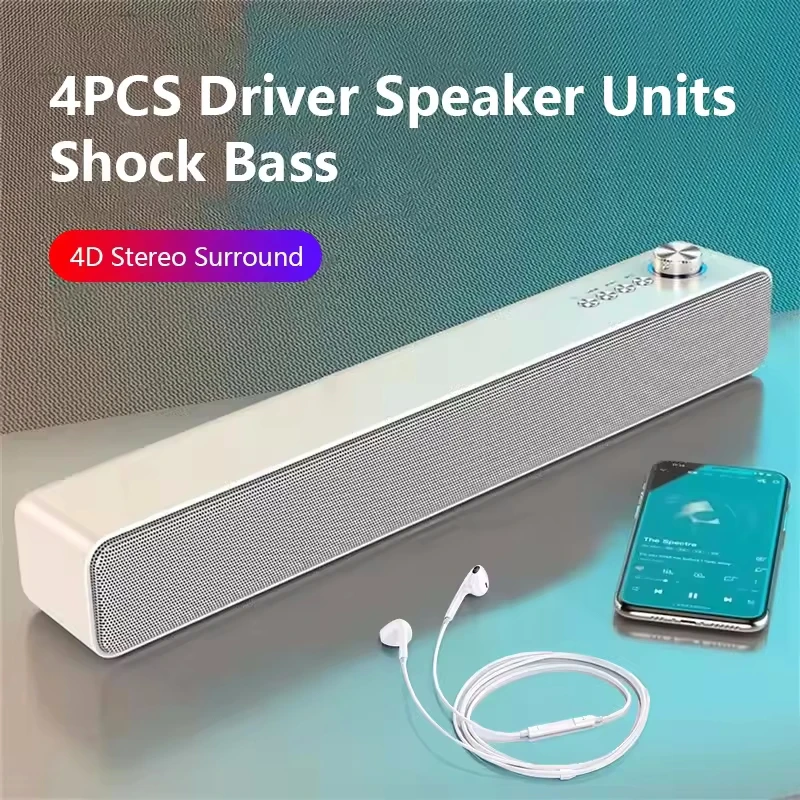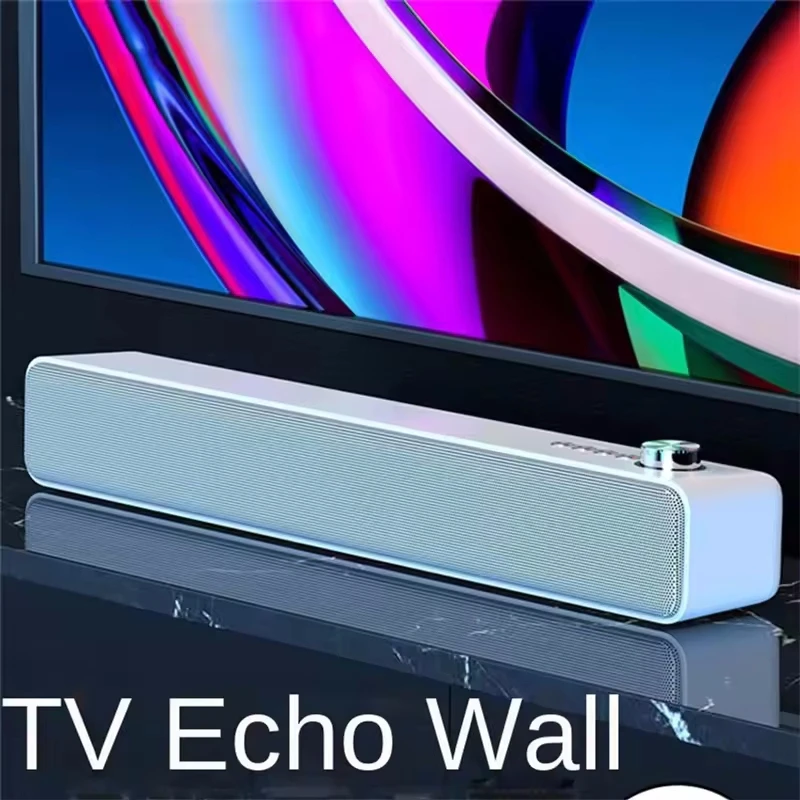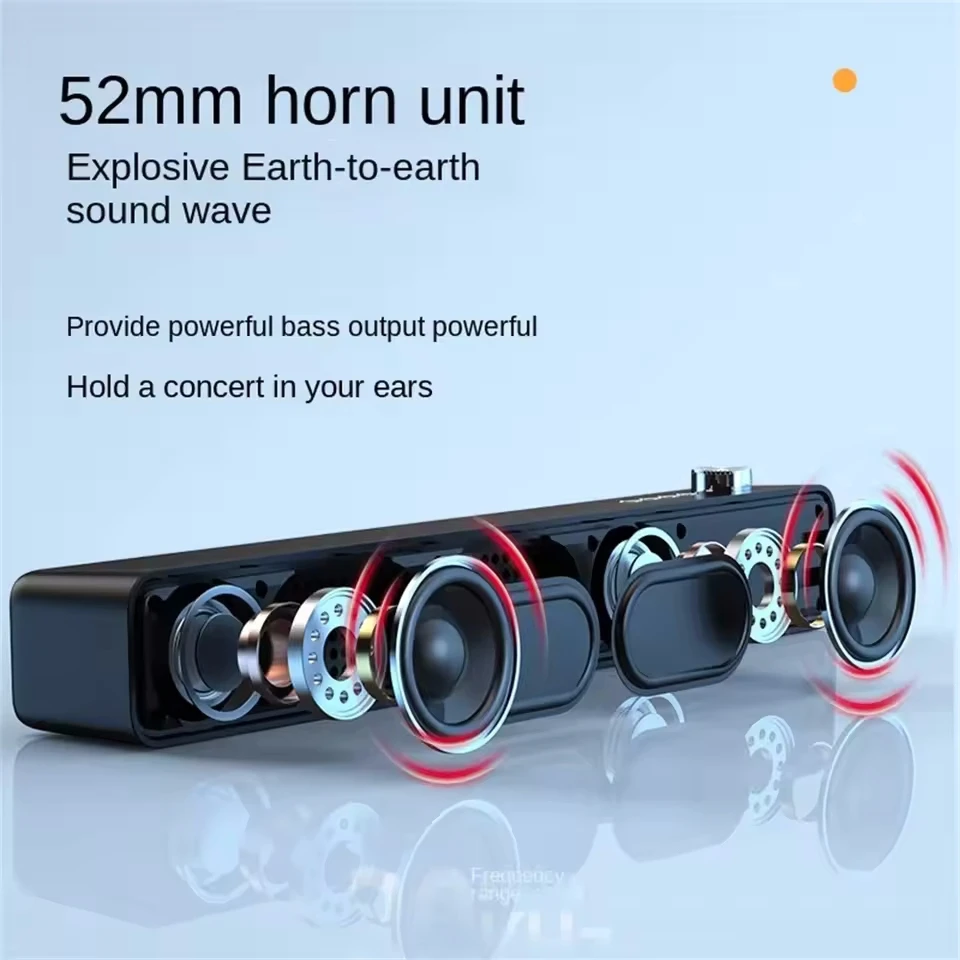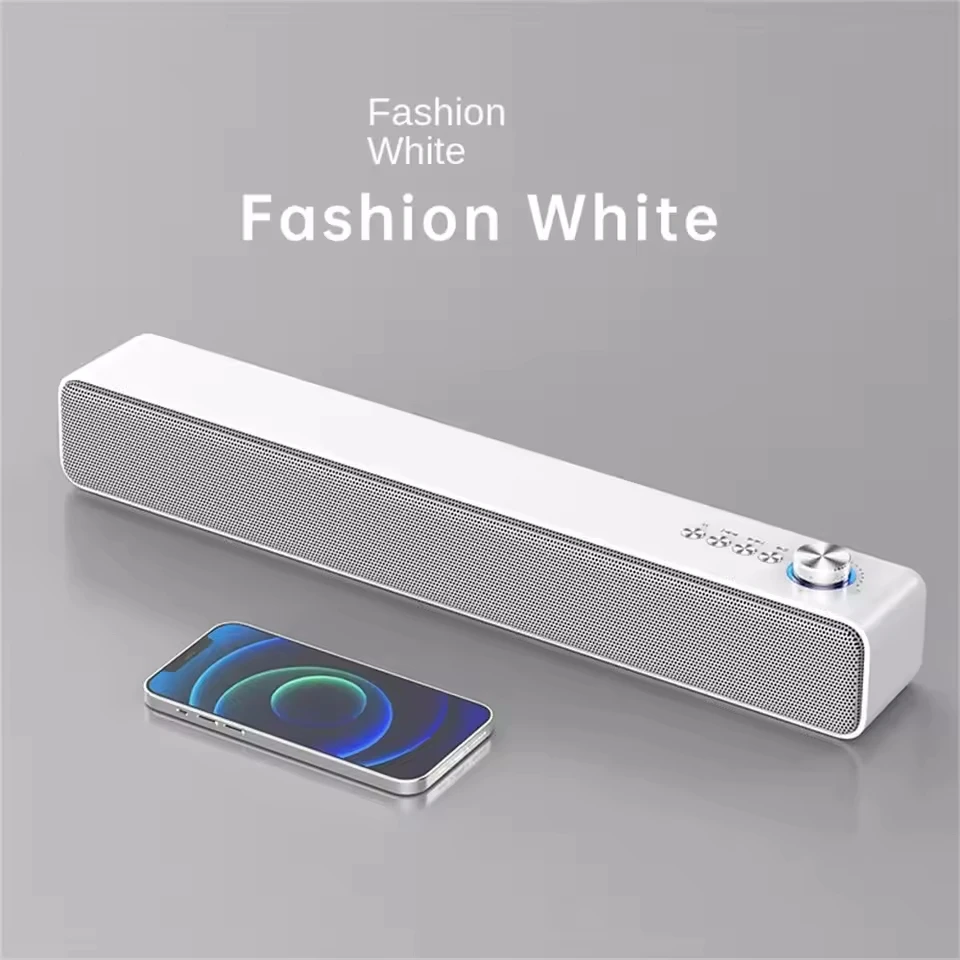
Description
- High-concerned chemical: None
- Input/Output: AUX
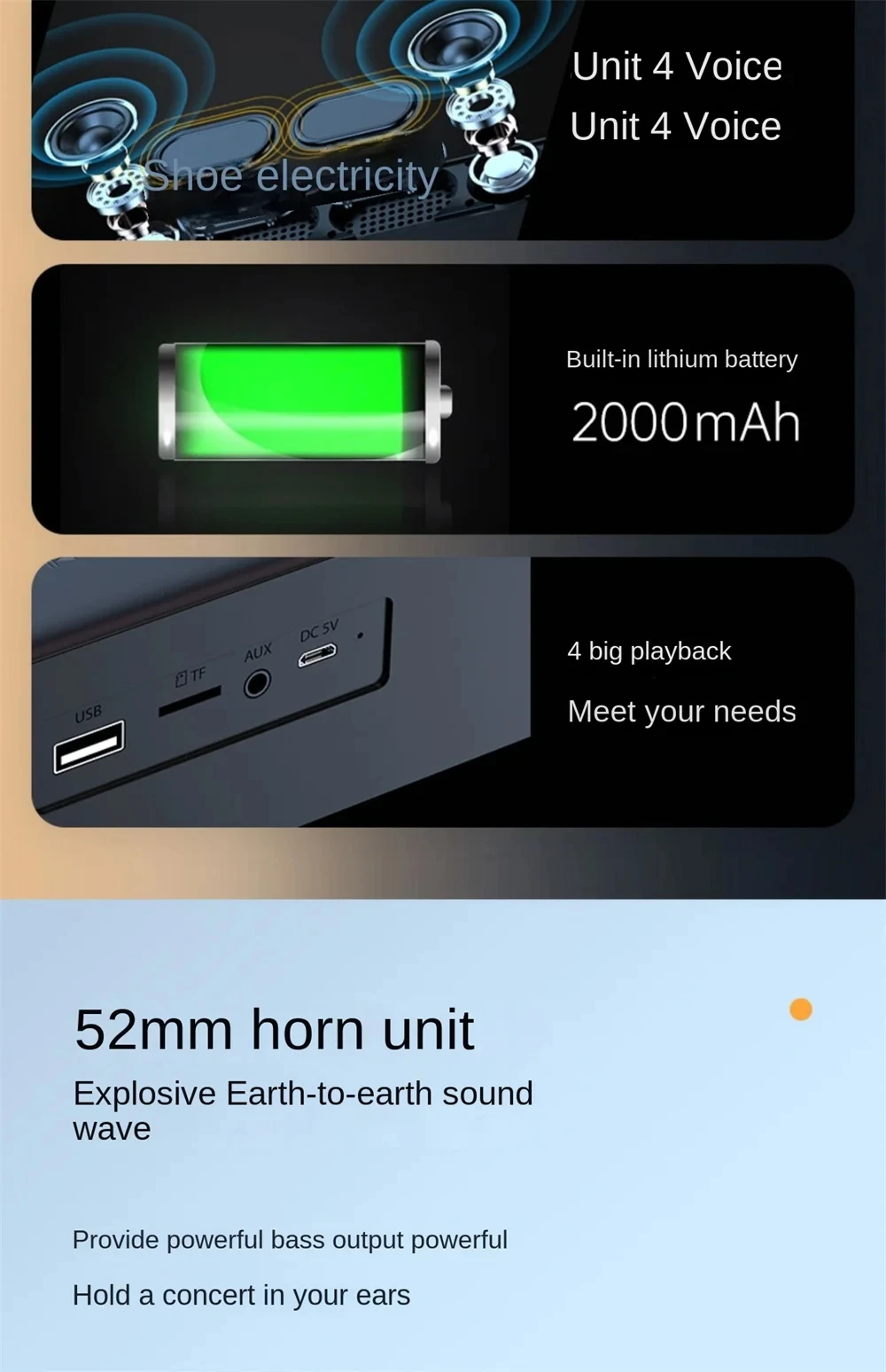
- Battery Capacity[mAh]: 2000
- Sound Mode: Other
- Category: Speakers
- Use: Home
- Bluetooth Version: Other
- Input Power(W): <25 W
- Voice Control: No
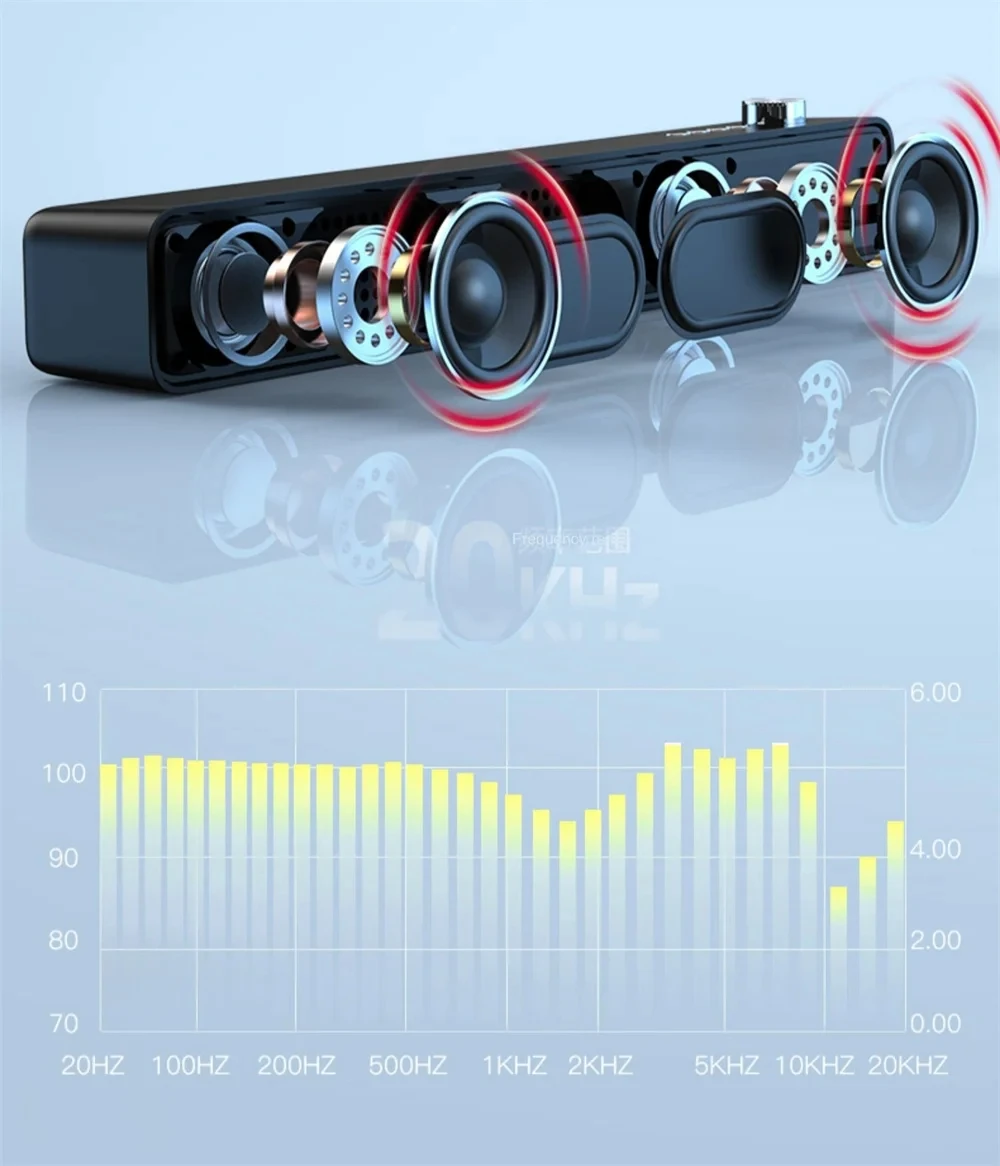
- Frequency Range: Other
- Waterproof: No
- Support APP: Yes
- Inbox adaptor: No
- Intelligent Personal Assistant: None
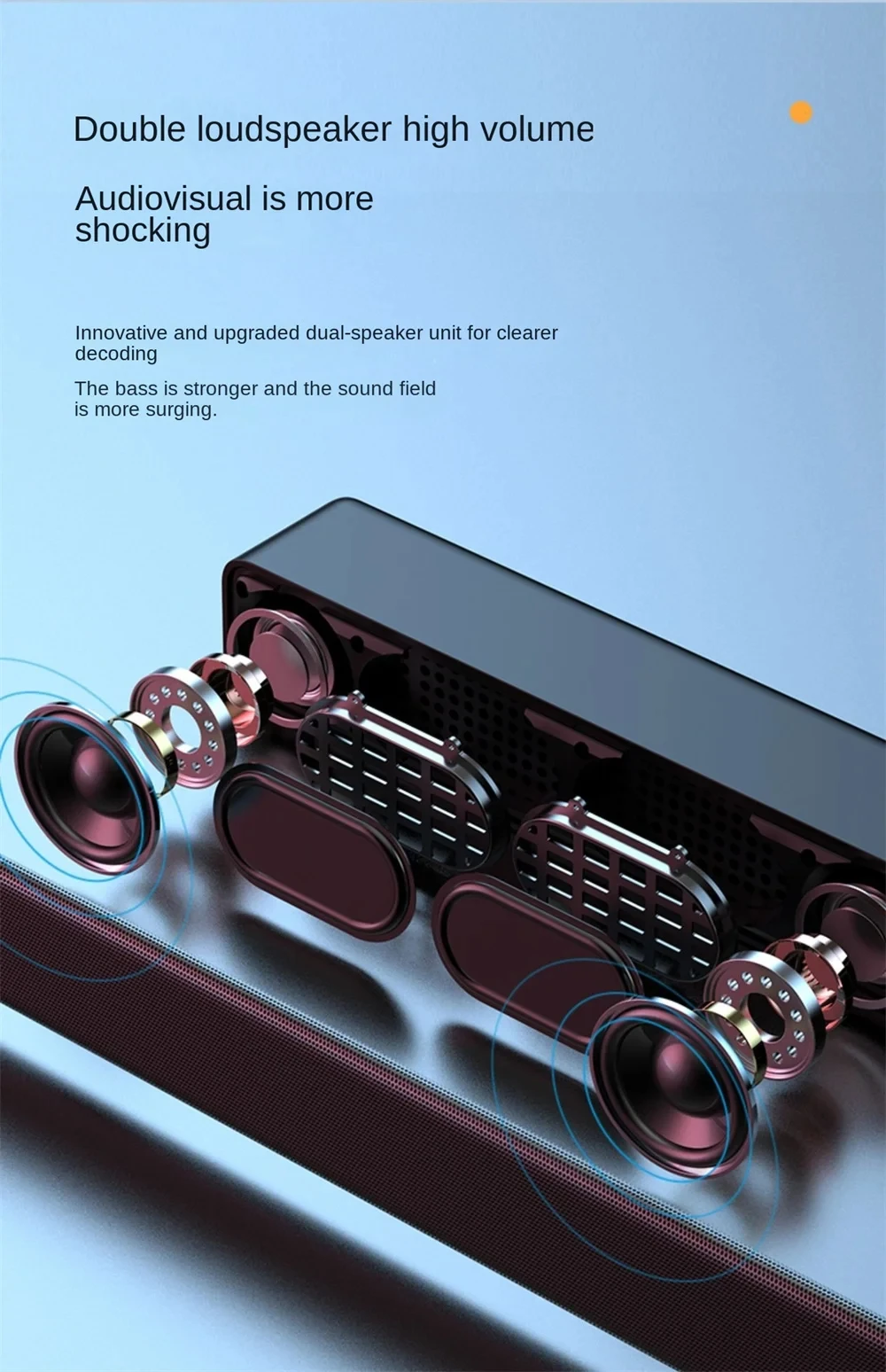
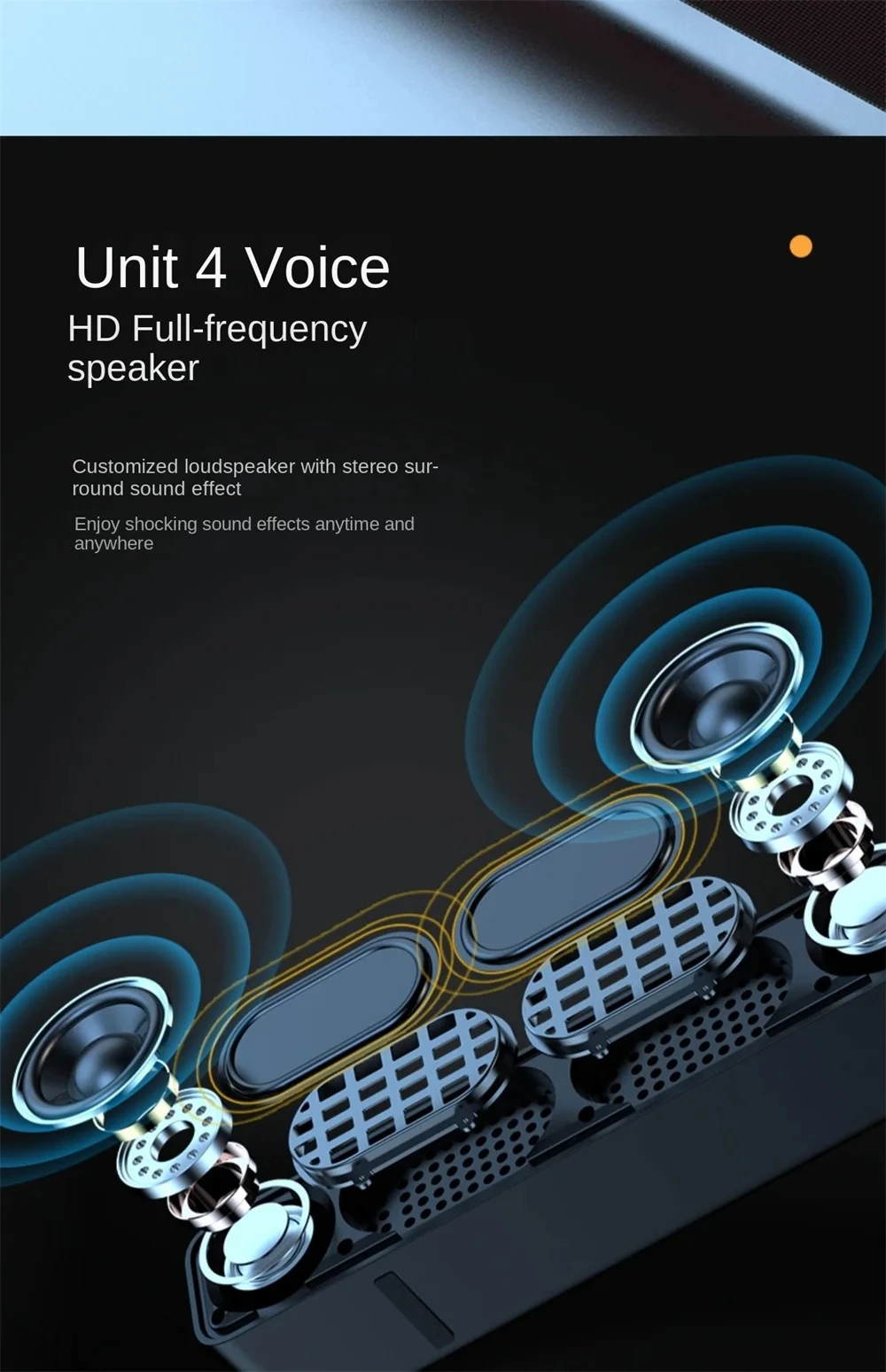
- Audio Crossover: Full-Range
- Number of Loudspeaker Enclosure: 1
- Power Source: USB
- Channels: 2 (2.0)
- Battery: Yes
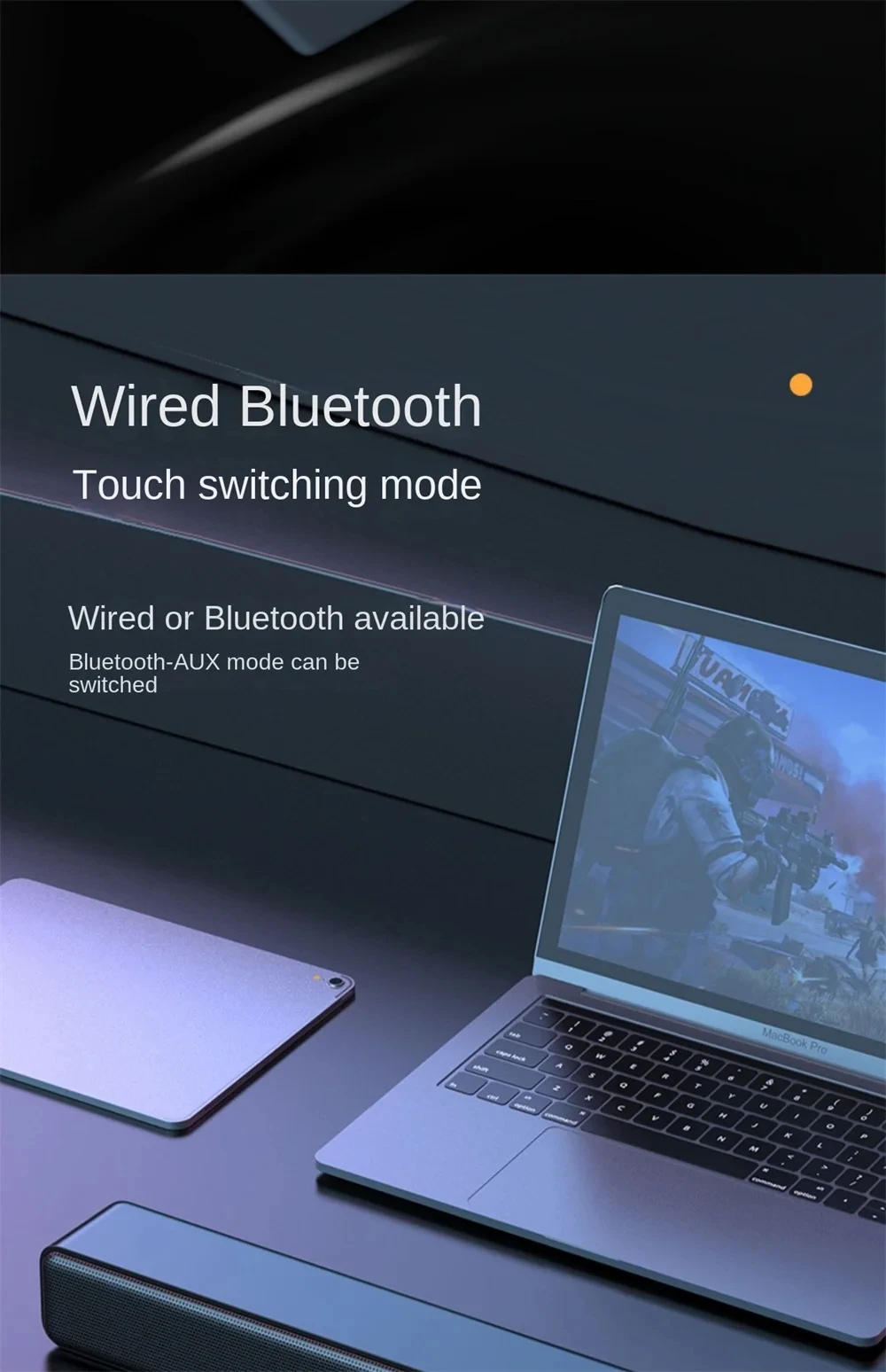
- Communication: AUX,Bluetooth
- Speaker Type: Bookshelf
- Cabinet Material: Metal
- Brand Name: AyeBeau
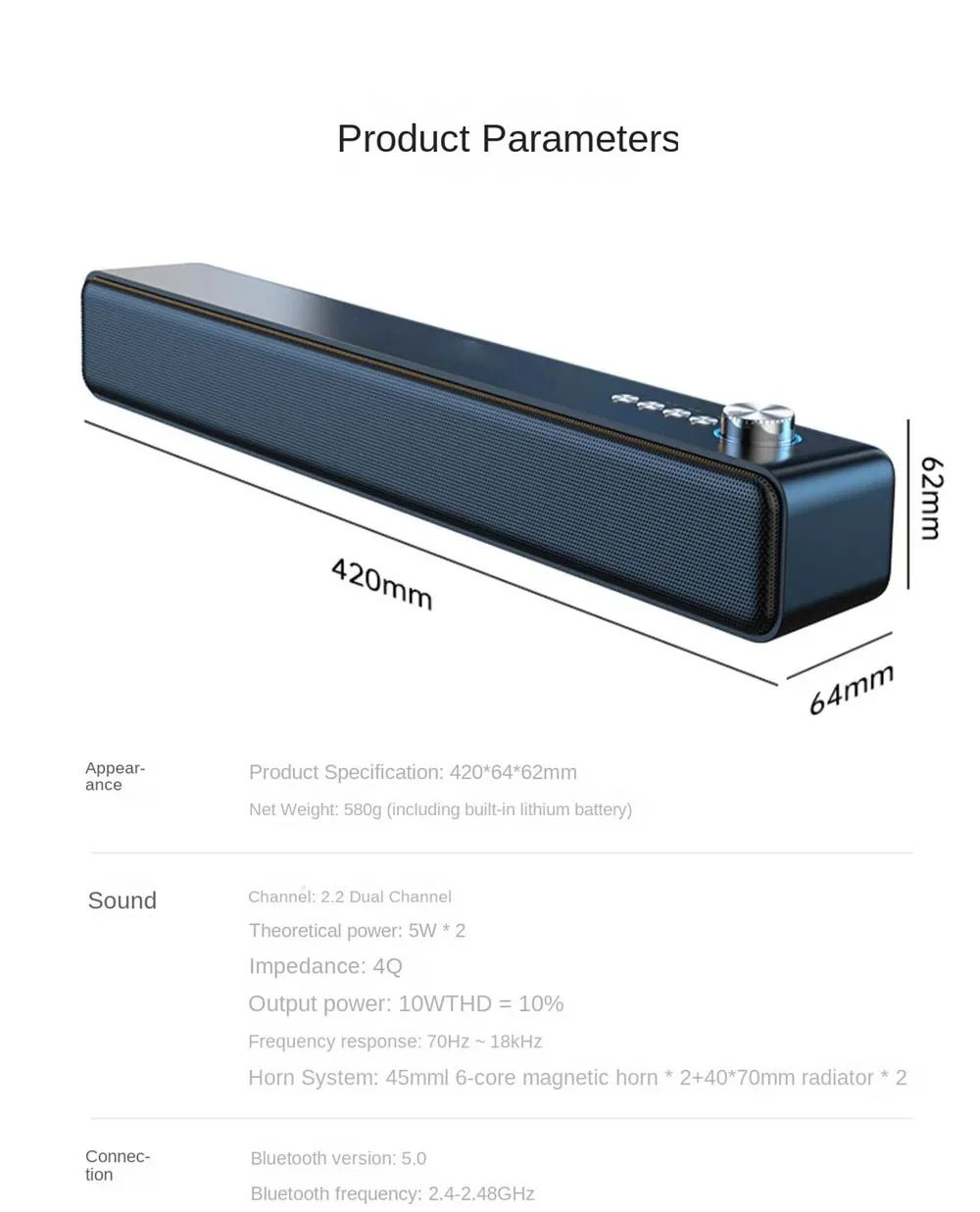
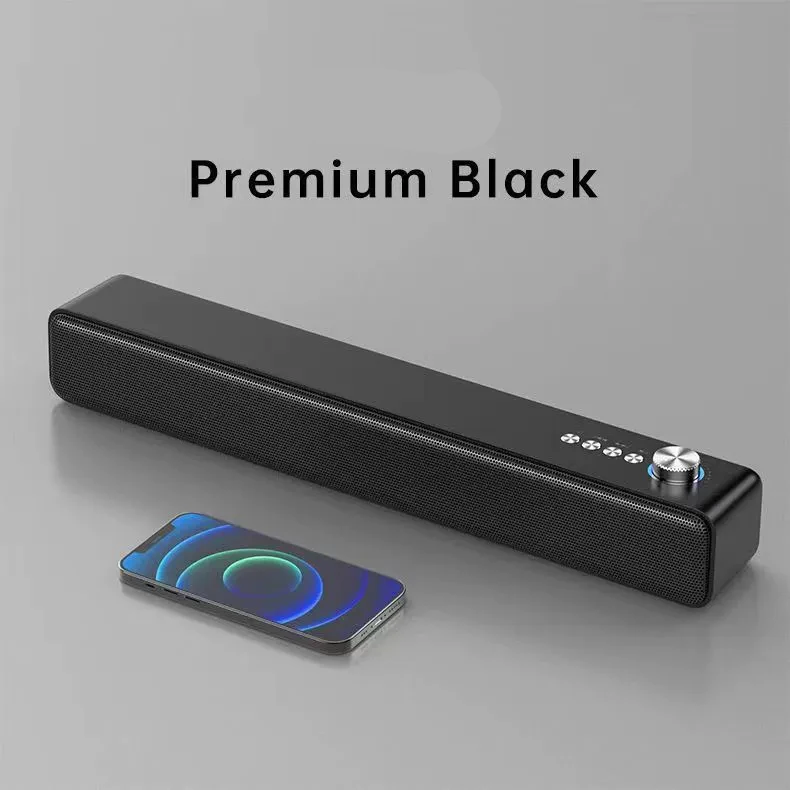
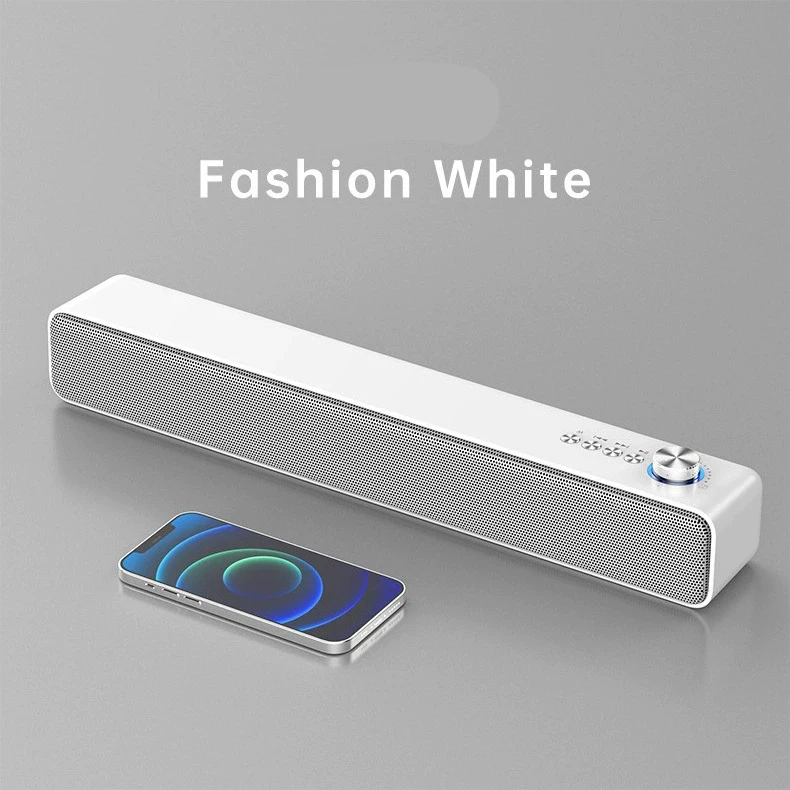
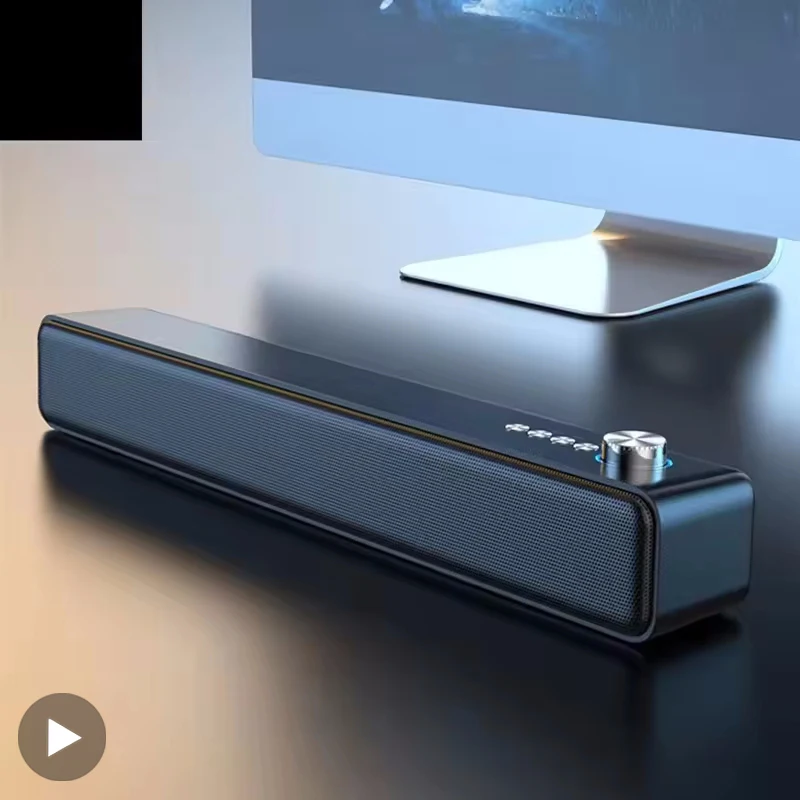
- AYEBEAU Model: Wireless Subwoofer Soundbar TV Computer PC Bluetooth Speaker Portable
- Power Source: USB
- Origin: Mainland China
- Support Memory Card: Yes
- Control Type: Volume control
- Portable bluetooth sound column horn: Portable bluetooth sound column horn case
- Sound amplifier with bluetooth Audio set: Sound amplifier with bluetooth Audio set
- Audio hifi sound system speakers center: Audio hifi sound system speakers center
- Residential sound equipment Acoustics: Residential sound equipment Acoustics
- Wireless Sounder placa de som coluna: Wireless Sounder placa de som coluna
- Party Amplifier for speakers musicin: Party Amplifier for speakers musicin
- Mp3 player bluetooth speaker bocina: Mp3 player bluetooth speaker bocina
- Bafles baffle bluetooth Multimedia: Bafles baffle bluetooth Multimedia
- Speaker amplified box big Musical: Speaker amplified box big Musical
- Loud blootooth speaker stand unit: Loud blootooth speaker stand unit
We support drop shipping!
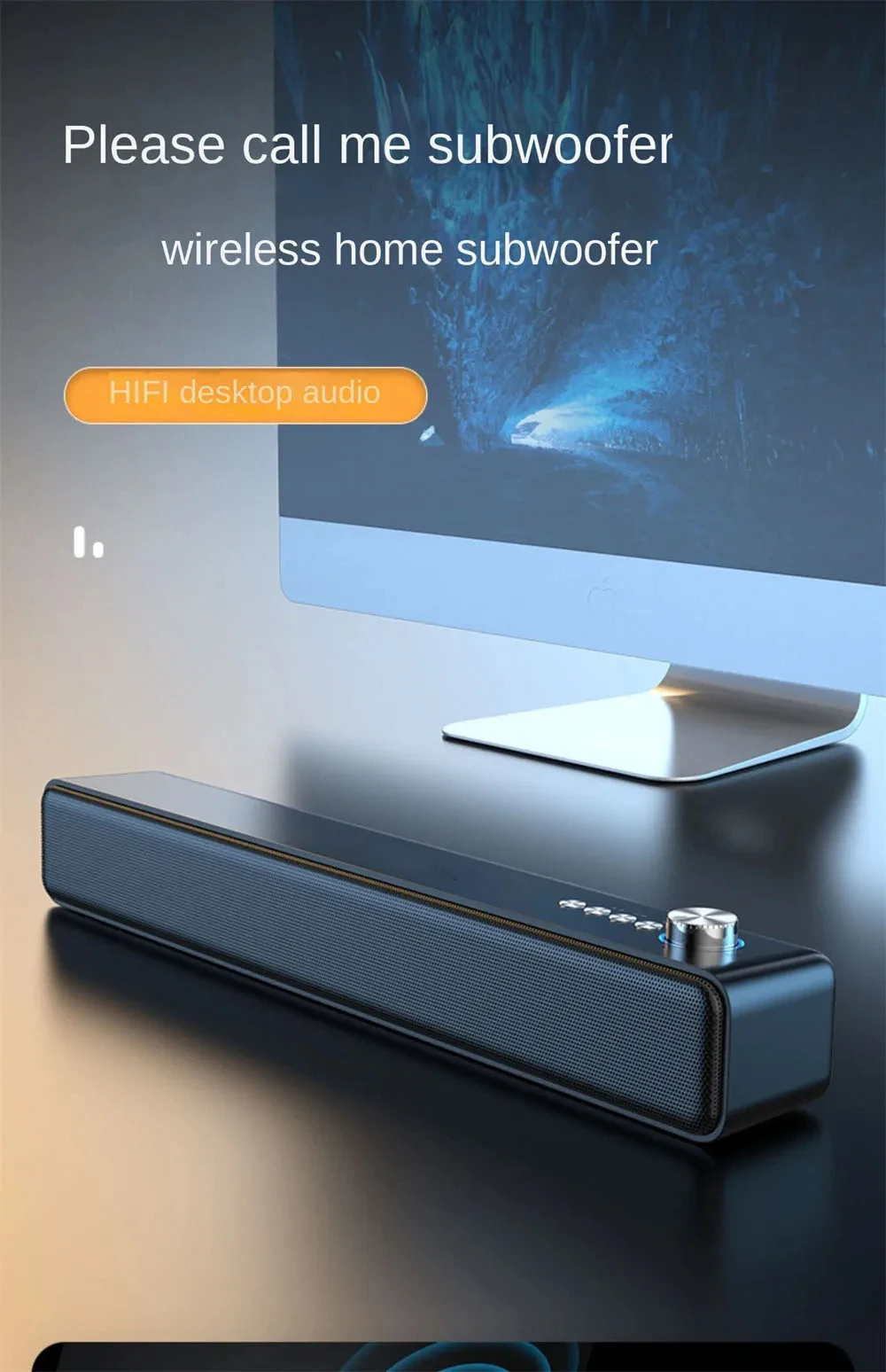
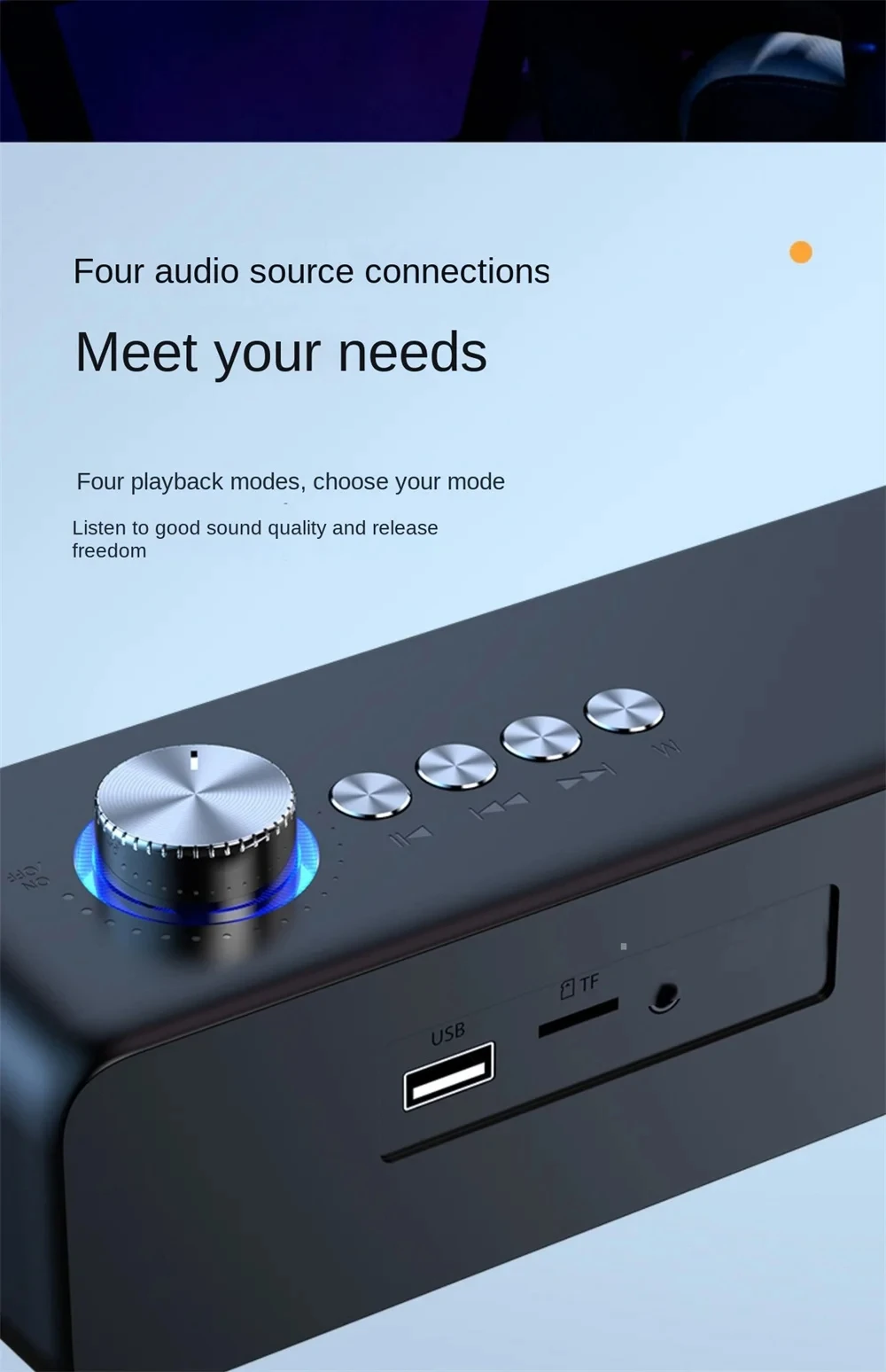
1. Function switch button: Short press to switch to one of the modes: Bluetooth, TF card, or USB;
2. Previous track: Short press to select the previous track;
3. Next track: Short press to select the next track;
4. Play/Pause/Phone: Short press once to play music, press again to pause music. In phone mode: Short press to answer a call, press again to end a call, long press to reject a call;
5. Power on/off/volume up/down: Rotate the volume knob to the right to power on, and rotate it to the left to power off. After powering on, rotate the volume knob to the right to increase the volume, and rotate it to the left to decrease the volume;
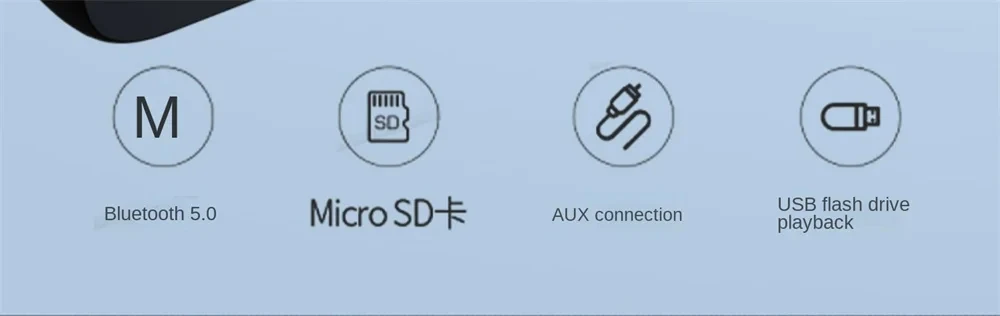
6. USB interface: It can be connected to external USB devices and play audio files stored in them;
7. TF card interface: It can insert a TF card to play audio files stored on it;
8. AUX interface: Can be plugged into an audio cable with a ∅3.5mm stereo plug for external audio signal;
9. Charging indicator: The red light will illuminate when the power cord is plugged in, and it will turn off when fully charged;
10. DC5V: Plug in the charging cable and connect to the power source to charge the device.